All apps
 Basketball Scoreboard
Basketball ScoreboardBroadcast overlay for OBS
Shot clock, fouls, rosters and sponsor cards — controlled from a laptop, phone or tablet, shown live through OBS. Fully bilingual (Greek & English), runs on your own machine, no subscription.
Works fully offline · self-hosted · EN/EL interface

How it fits together
A control panel you operate, an overlay OBS reads, and a small state file connecting the two in real time.
The dashboard you and your operator use: score, clock, fouls, rosters, cards, sponsors, team database. Open it on any device on your network.
A transparent page built for OBS Browser Source. It shows the scorebug and any full-screen cards you trigger — nothing else.
Every change on the control panel pushes instantly to the overlay in the background — no refresh, no delay, no extra setup.
What's inside
Every feature came from running an actual local broadcast — not a generic scoreboard template.
24″/14″ resets with a single click, and tenths-of-a-second display in the final seconds — exactly like TV broadcasts.
Personal fouls per player with automatic foul-out at whatever limit you set. Team fouls shown as one row of color-coded dots.
Flip it with one click from the control panel — it's reflected on the overlay right away.
Mark who's playing tonight, pick the starting five, then track exactly who's on court right now — kept separate so nothing gets mixed up mid-game.
Build every team once — roster, coach, logo, player photos — then load it onto Home or Away for any match in two clicks.
Upload one or more sponsor graphics — with more than one, the card cross-fades between them automatically while it's shown.
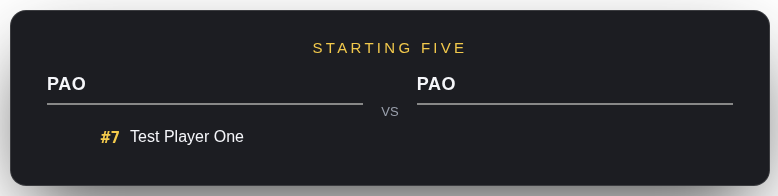
Starting five, live stats, sponsor — trigger any of them full-screen over the picture. Hide manually, or let them auto-hide.
See exactly what OBS is showing right inside the control panel — or open it in a real second window if you'd rather.
Full interface in Greek and English, runs completely offline on your network, one-time purchase — with an optional native desktop app for Windows, Mac and Linux.
See it running
The control panel on one screen, the clean broadcast graphic on the other.
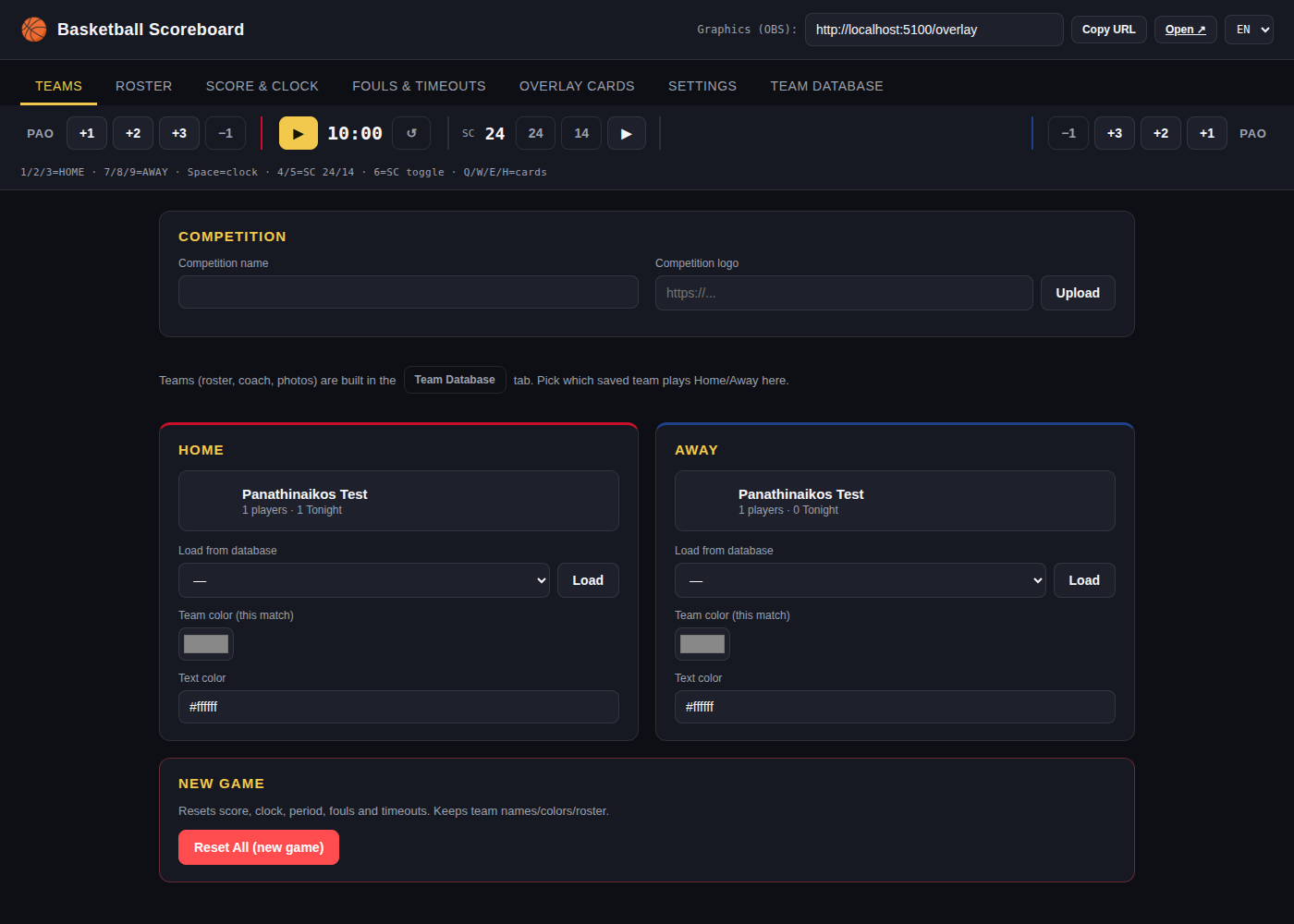
Pick which saved team plays Home or Away, or set colors for a one-off match.
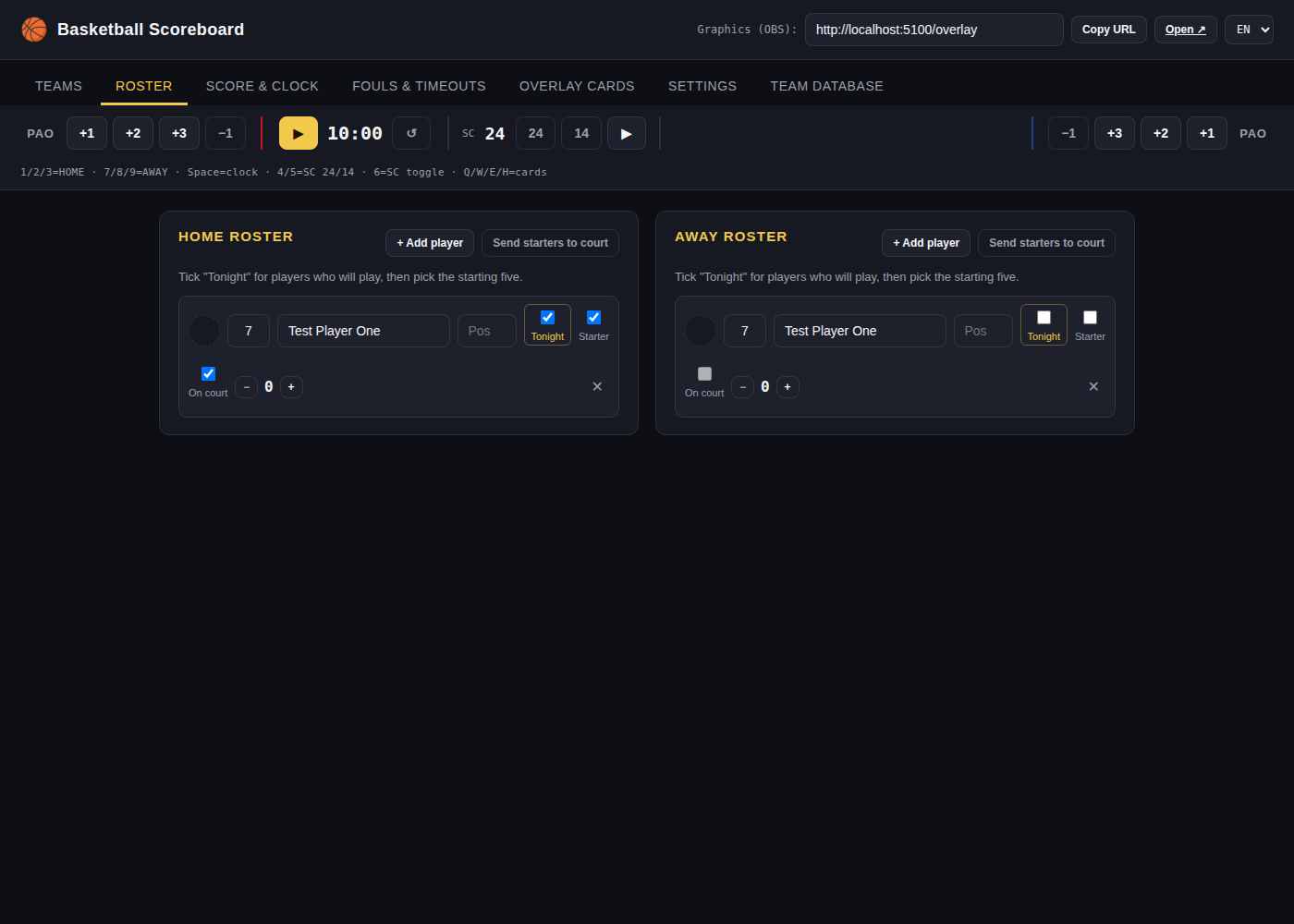
Tick who's playing tonight, then pick the starting five with one button.
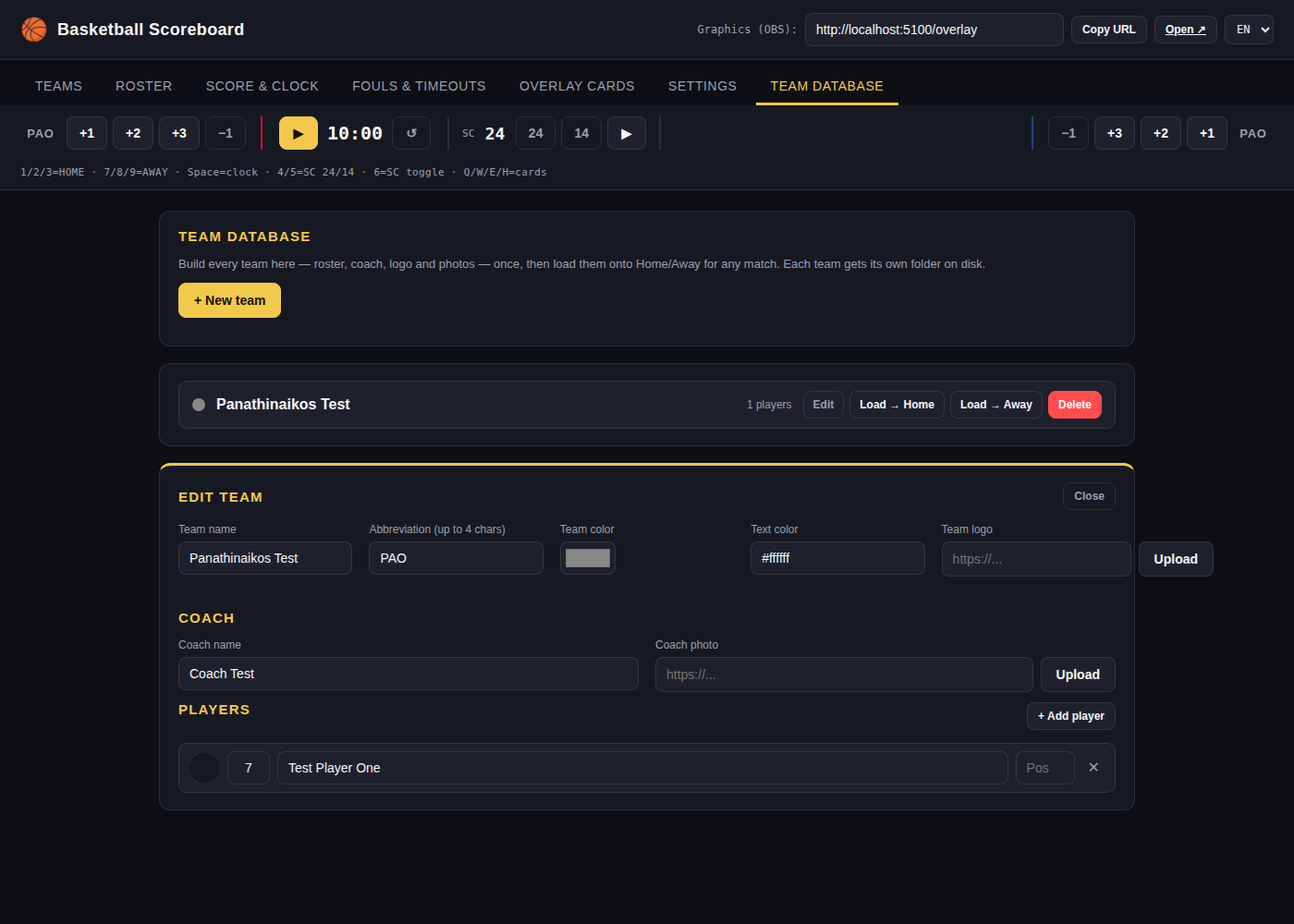
Coach, logo and player photos, saved once and reused for every match.
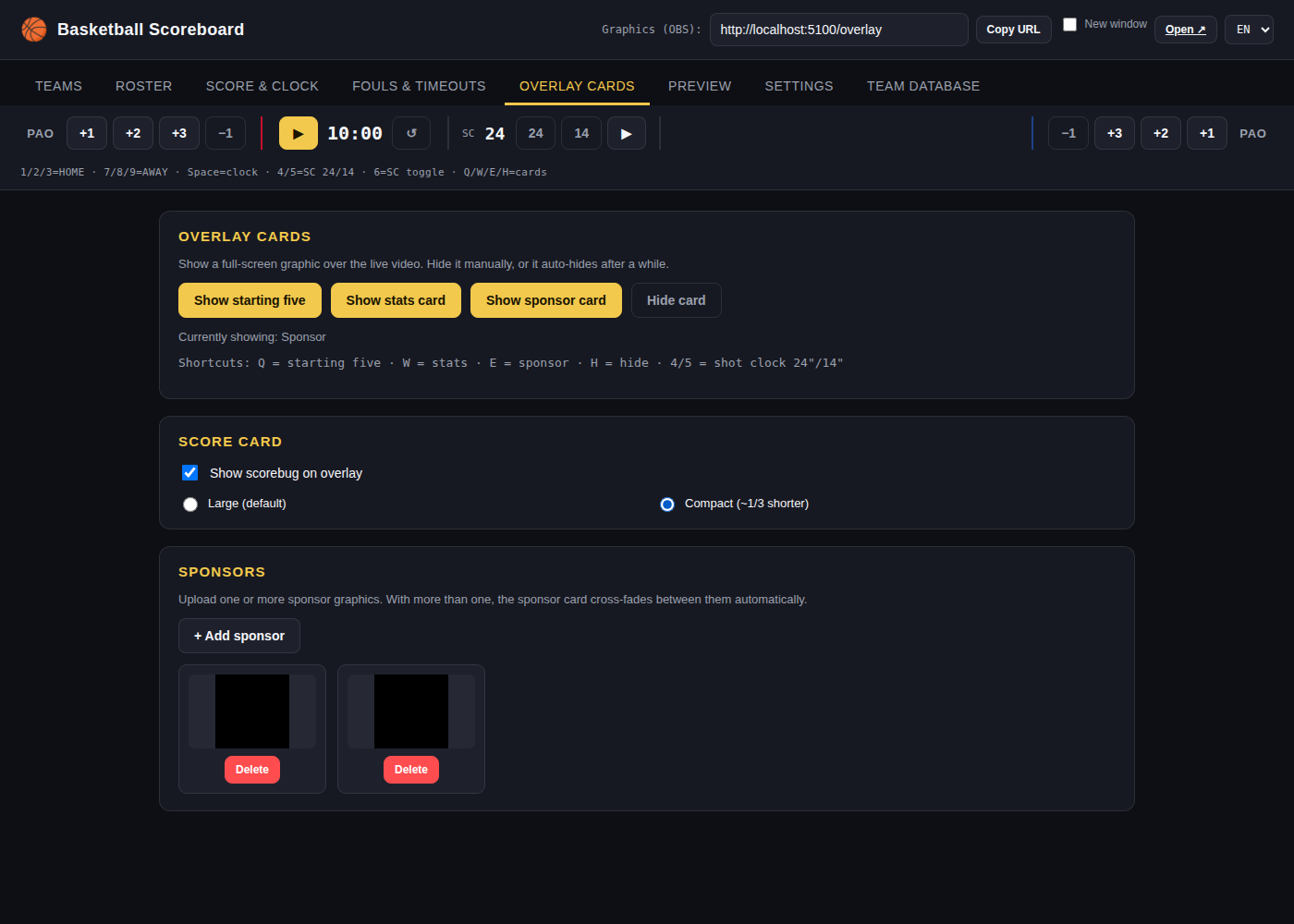
Trigger full-screen cards, switch the scorebug size, manage rotating sponsor graphics.
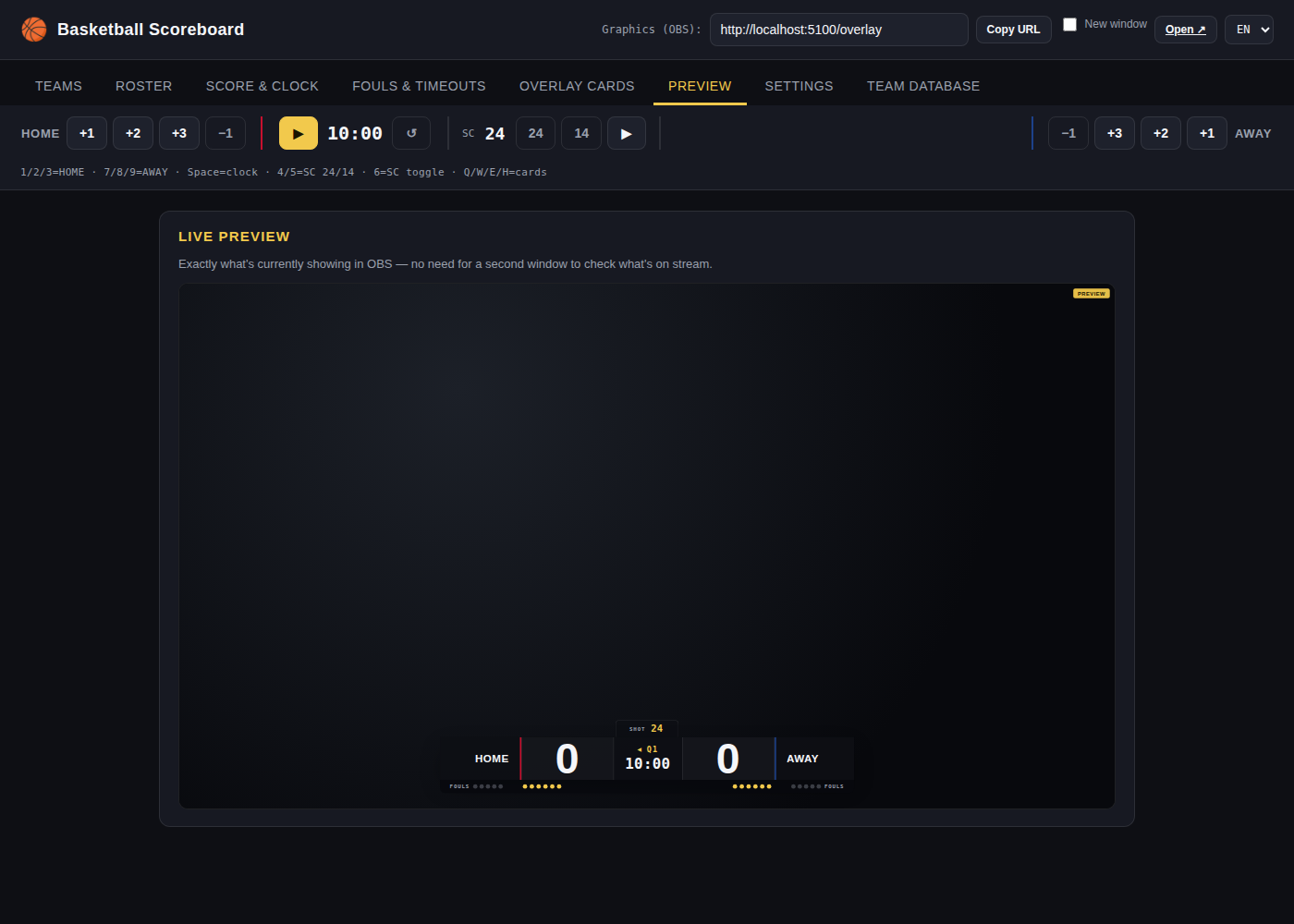
See exactly what's on stream without a second monitor or window.
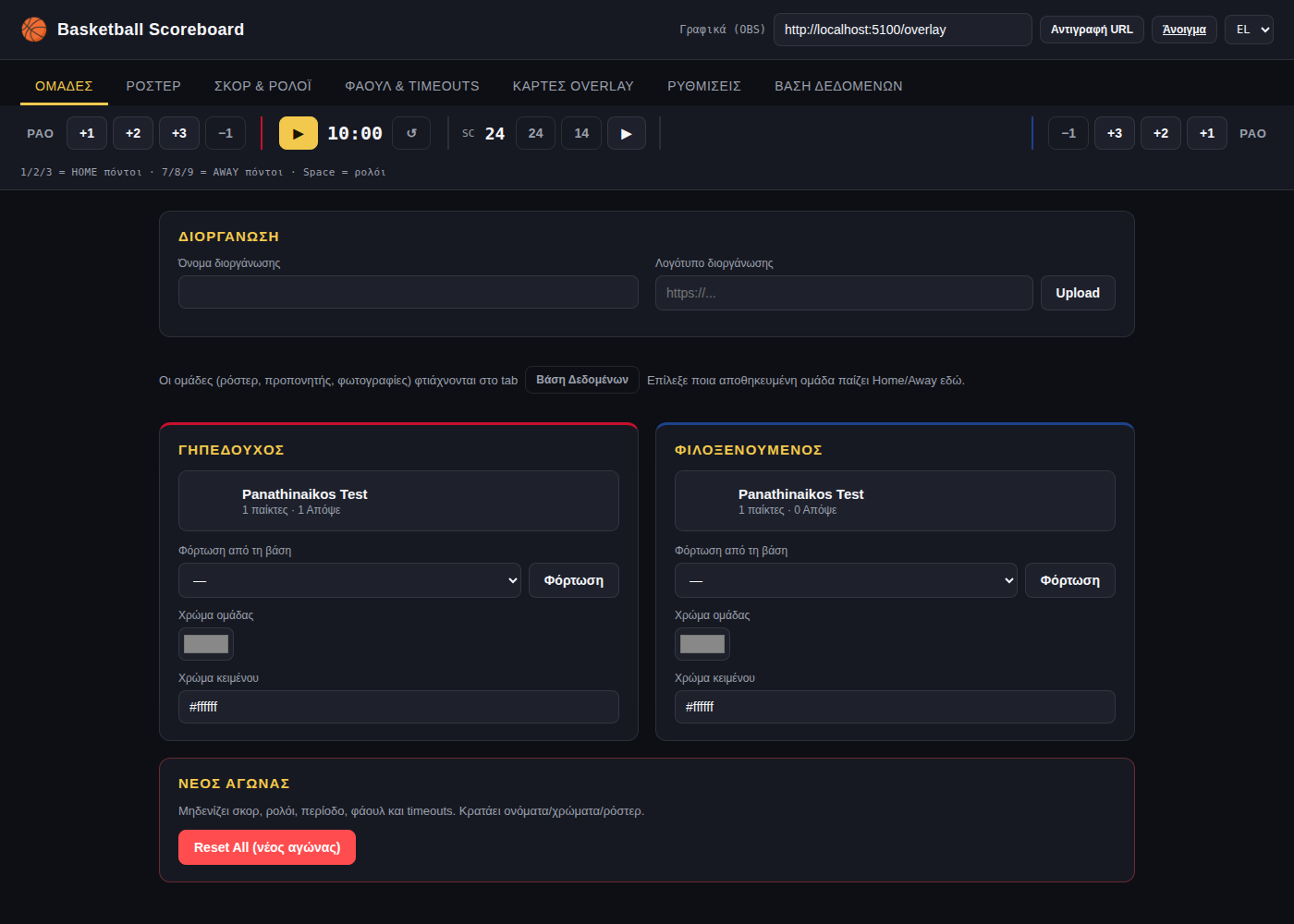
Switch the whole app between English and Greek in one click, anytime.
From zero to on-air
Launch the desktop app (just double-click, nothing to install) or the Python version if you prefer running from source. A control panel opens.
Add a Browser Source in OBS (or vMix, Streamlabs, anything with browser sources) using the overlay URL it gives you. Transparent background, ready to go.
Update score, clock, fouls and cards from the same laptop, or from a phone or tablet on the same WiFi network.
Simple pricing
Buy it once, run it on your own machine for as many games, teams and seasons as you like.
Full license
Gumroad emails your download link automatically right after payment. Paid with PayPal instead? Send your payment reference to the email below and you'll get the link personally.
Before you ask
No — anything that supports a "Browser Source" or can display a local web page with transparency works. OBS Studio (free) is the most common choice, but vMix, Streamlabs and others work the same way.
No. Once installed, it runs entirely on your own computer and local network — no cloud account, no internet connection required during the game.
Yes — the control panel is a web page, so any phone, tablet or second laptop on the same WiFi network can open it and control the game.
Team colors, logos and sponsor graphics are all set from the control panel, per match or per saved team — no code editing needed.
No. €25 once, and it's yours — no monthly fees, no watermark, no expiry date.
Through Gumroad you get an automatic download link by email right after payment. If you pay with PayPal, send a message to the email below with your payment reference and you'll receive the download link personally.
A Windows, Mac or Linux computer. Use the ready-made desktop app (double-click, nothing to set up) or run the Python version if you'd rather work from source.
Yes — the team database holds as many teams as you like, with no limit on how many matches, leagues or seasons you use it for.
Questions before you buy?
Not sure if it fits your setup, or paid with PayPal and need your download link? Send a message — usually a same-day reply.
flow.cf@gmail.com